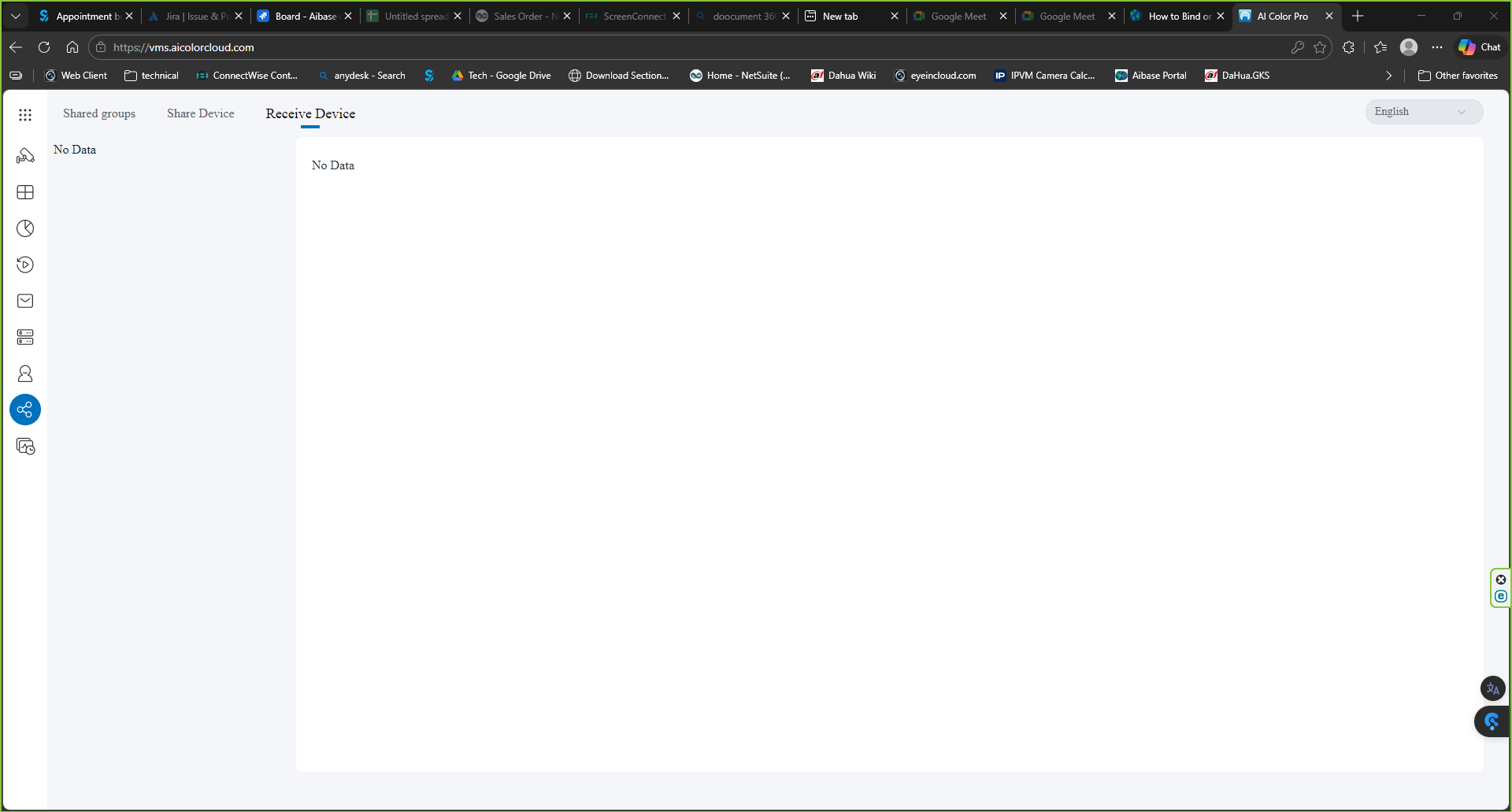
Cloud portal address
Cloud Portal
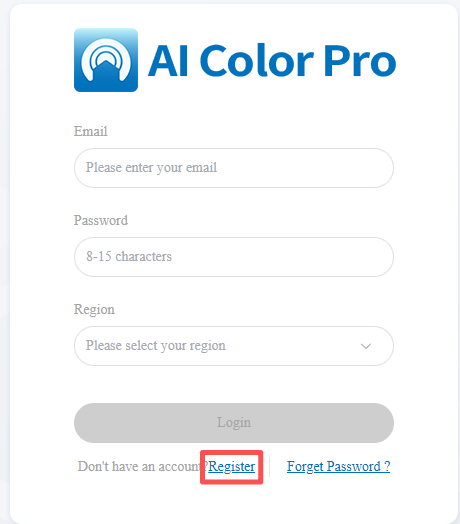
Login account is same with the app account login. If you don't have account, you ccan directly register on the cloud VMS page.
Setup
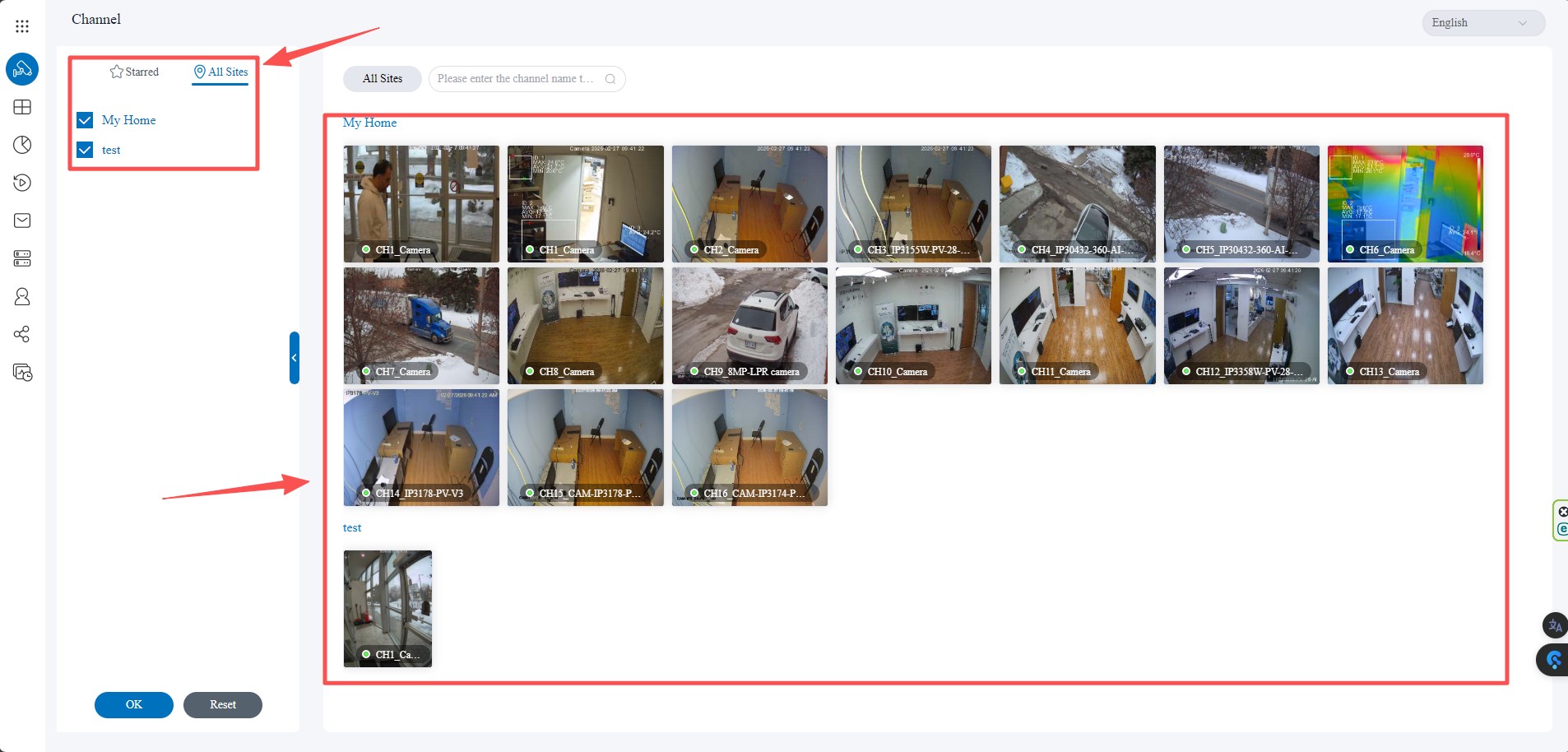
- Site management. Left panel "channel", you can check all the sites and devices you currently have.
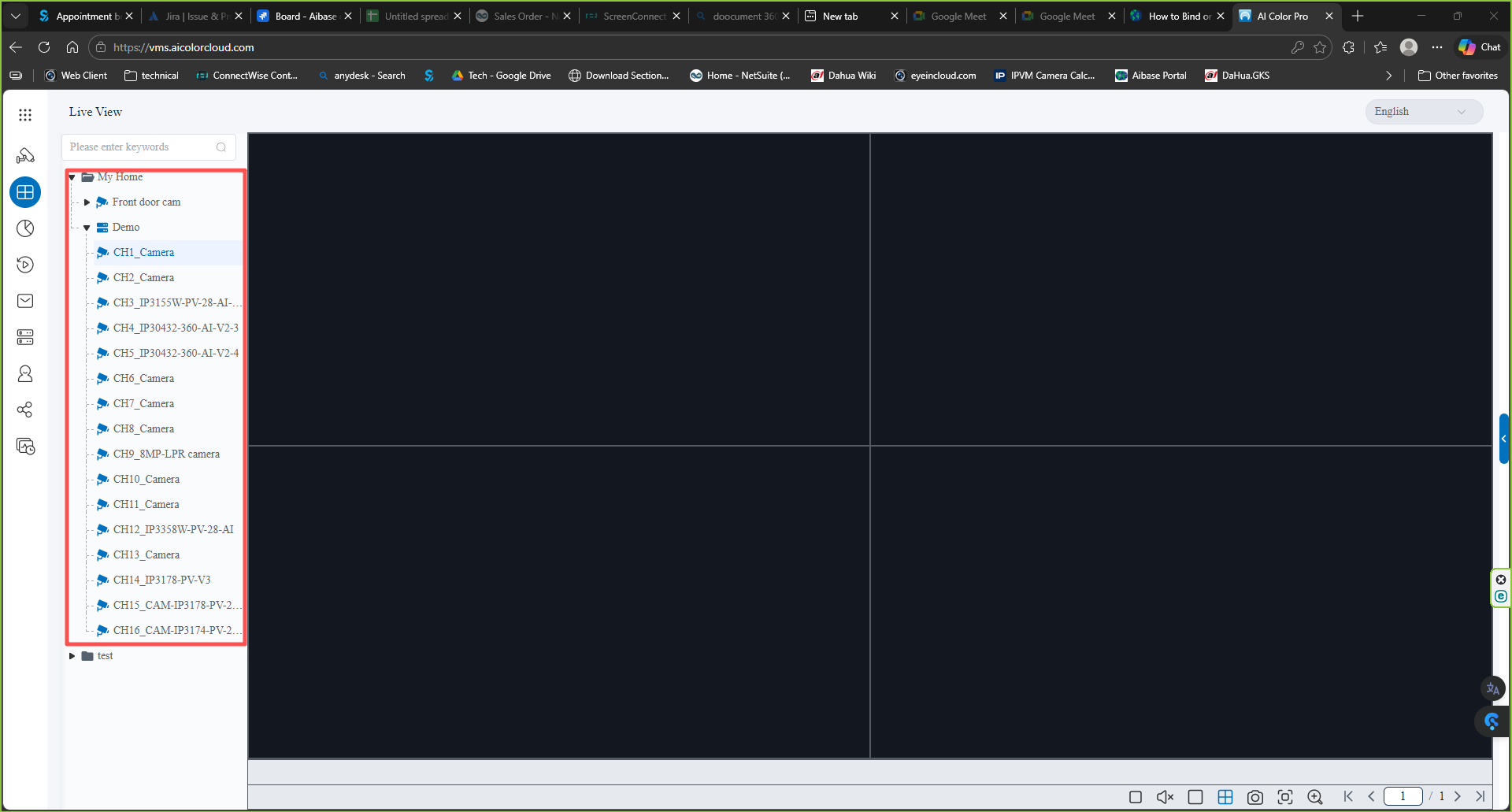
- Live view, You can check the devices on the left and double click the channel to check the live view. currently only show 4 channel on the live view.
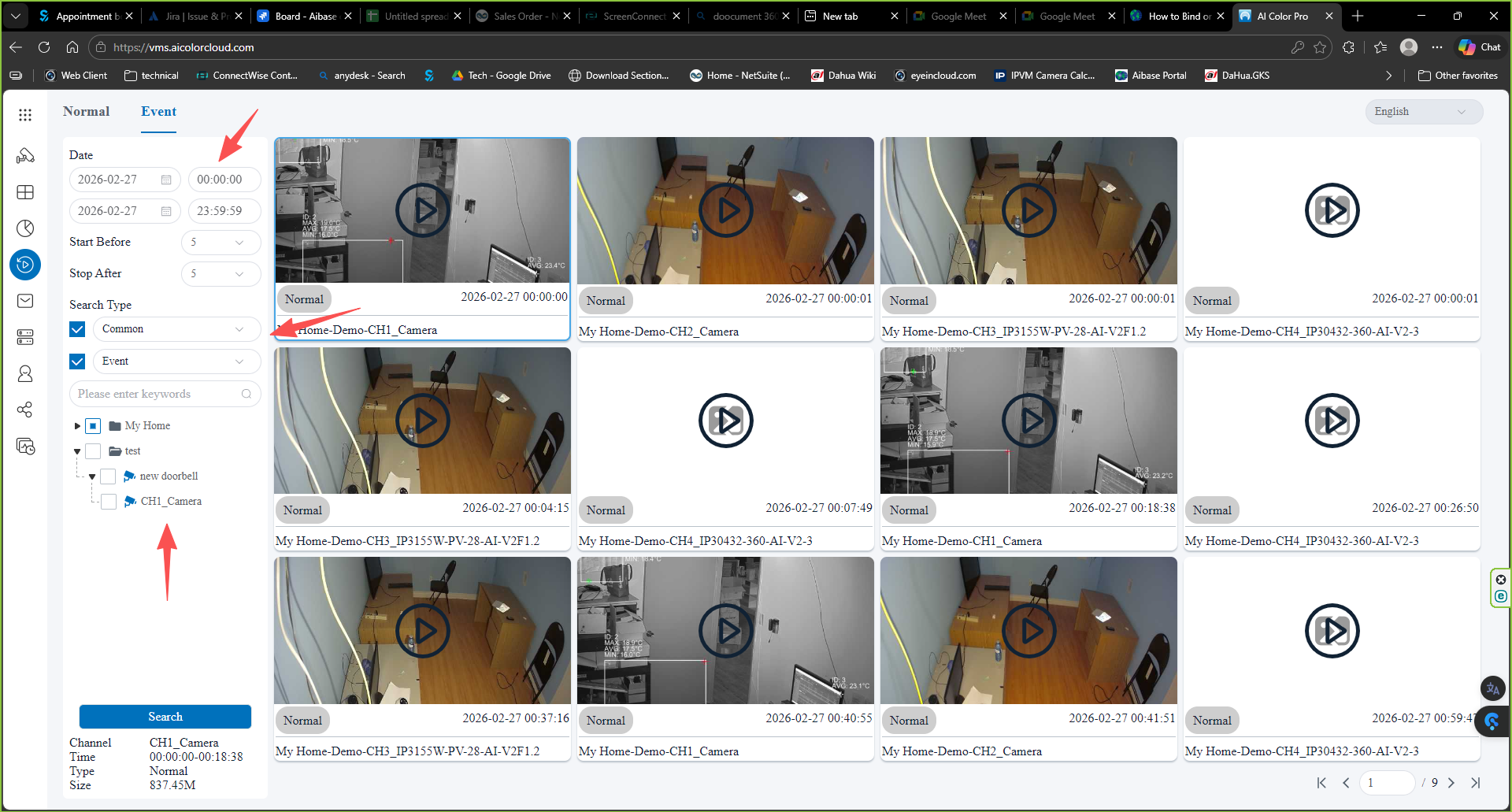
- On the playback, you can select "Event" to check all the video results
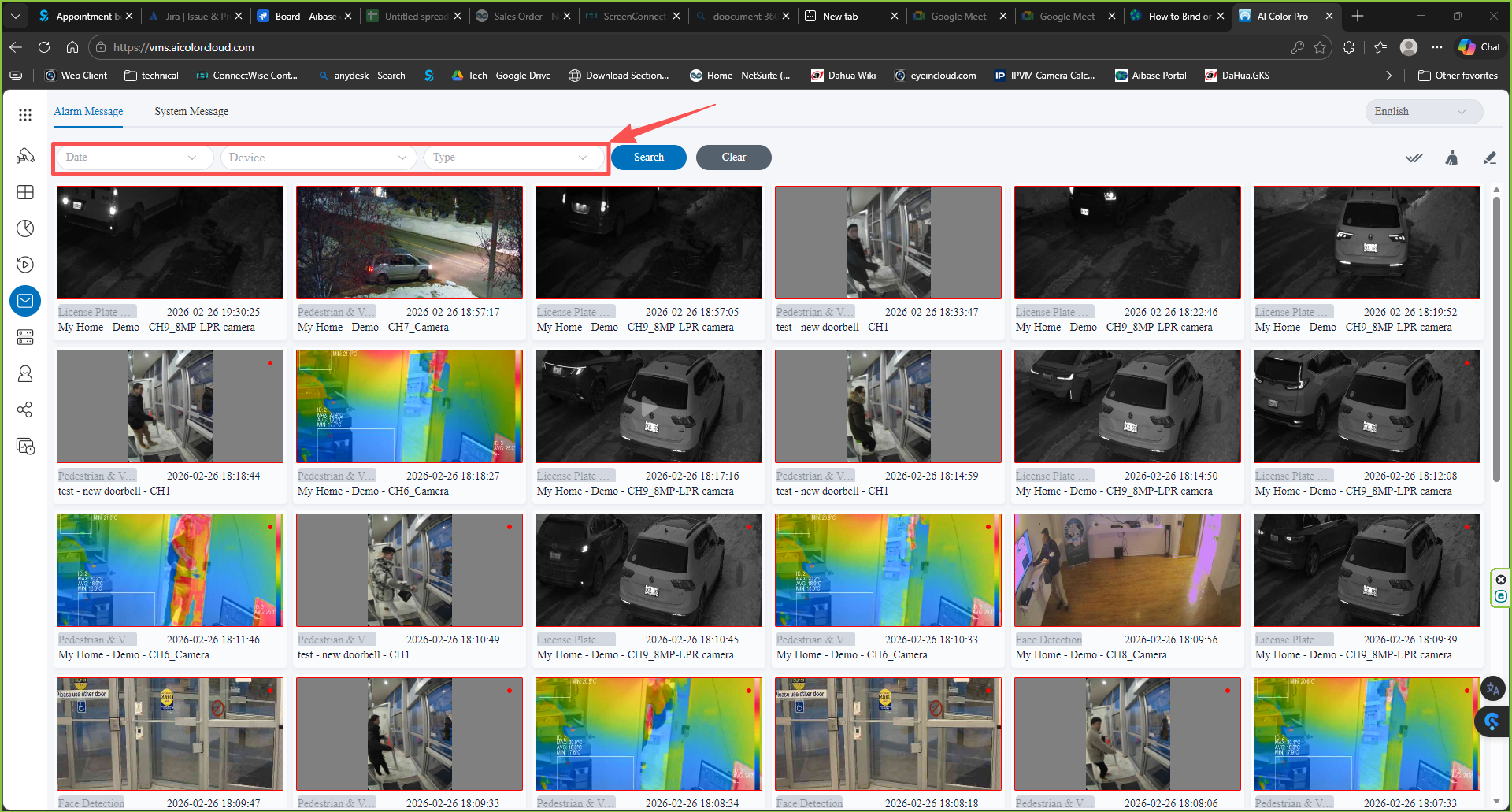
- Message. You can check all the message received on the platform. The message you can filtered them by using the evet type, date and devices.
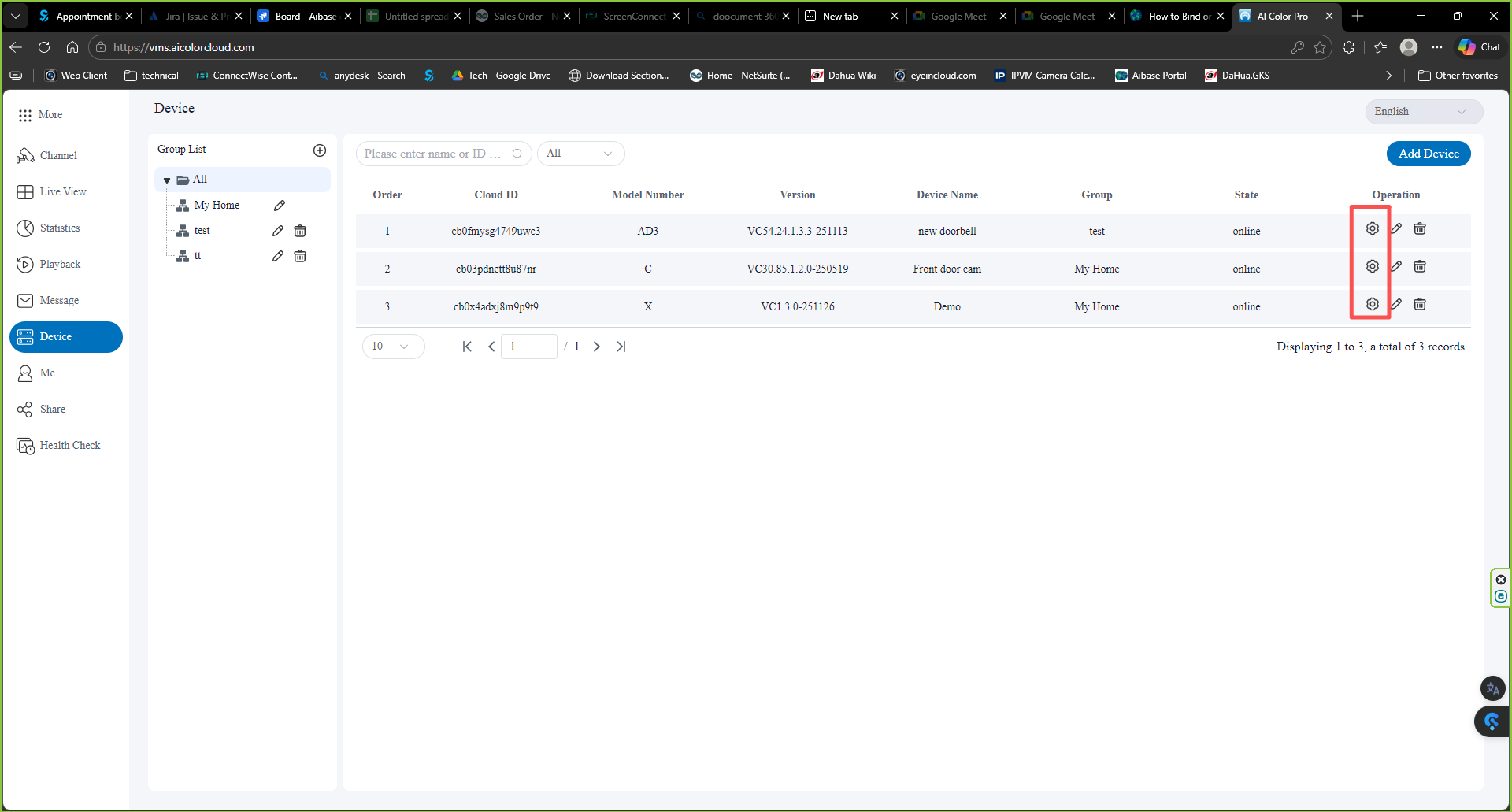
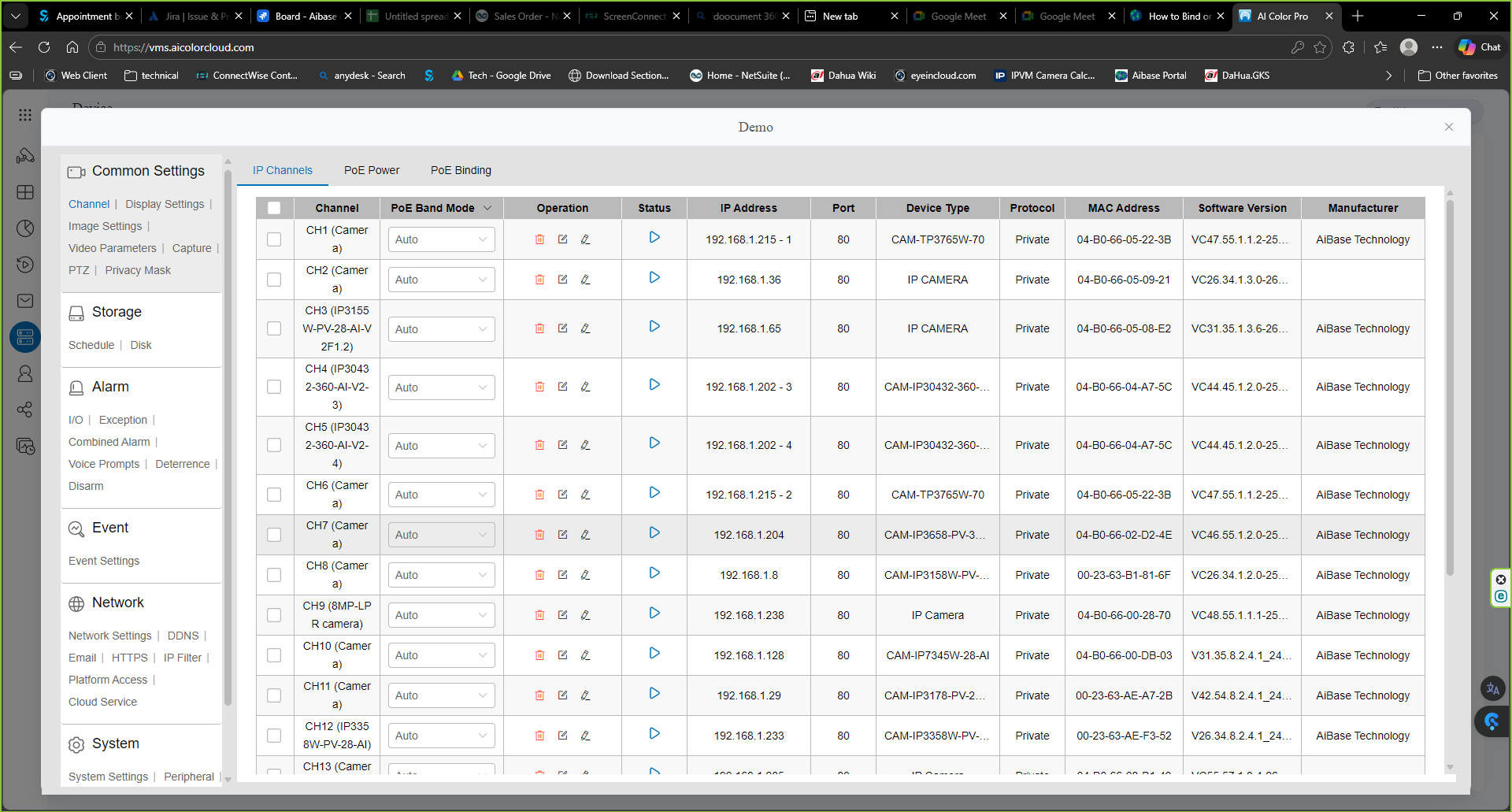
- Device management. You can find all your devices under herr and you can also remote login to the device to do the setup
- share devices.
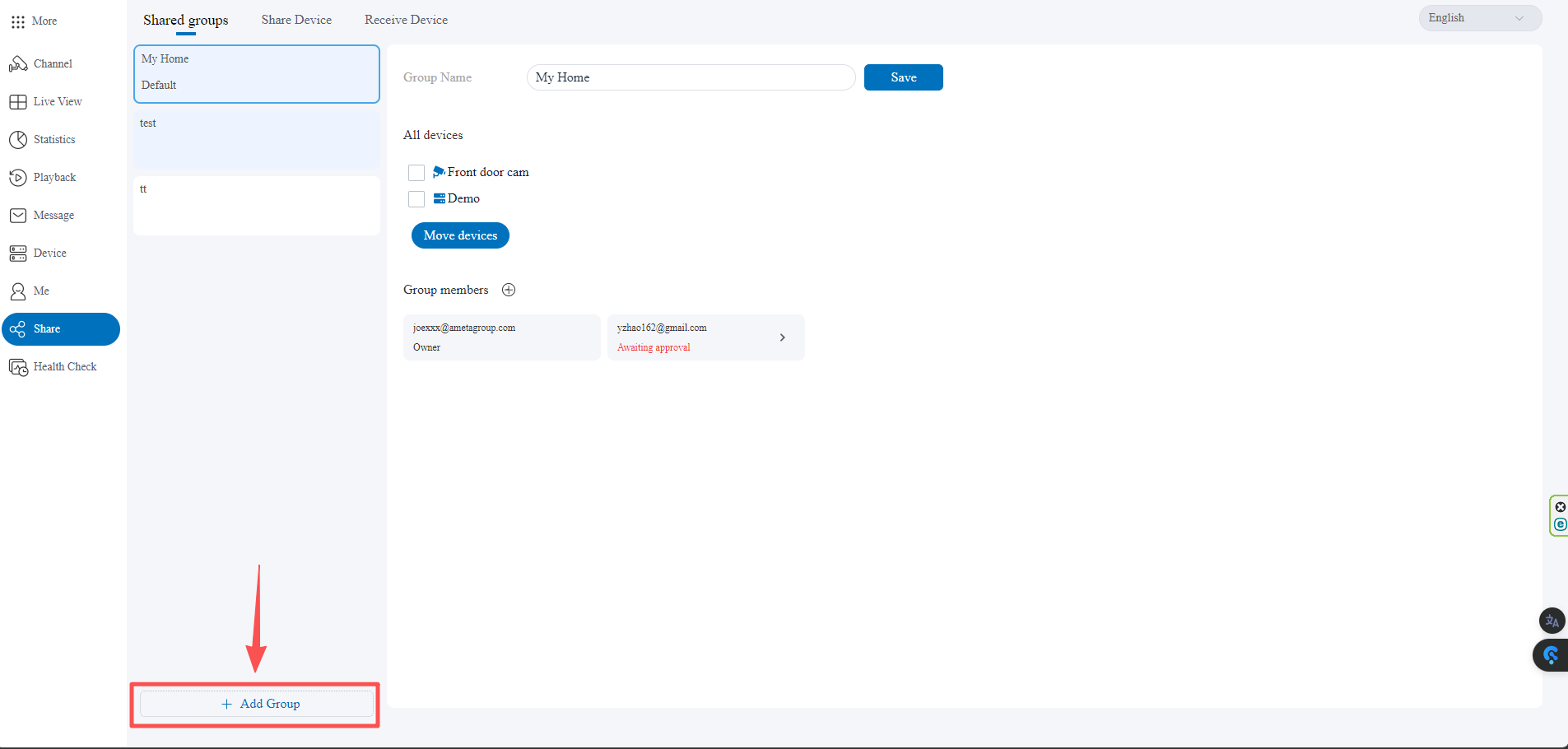
* shared groups. group devices and users to share in one time. create group
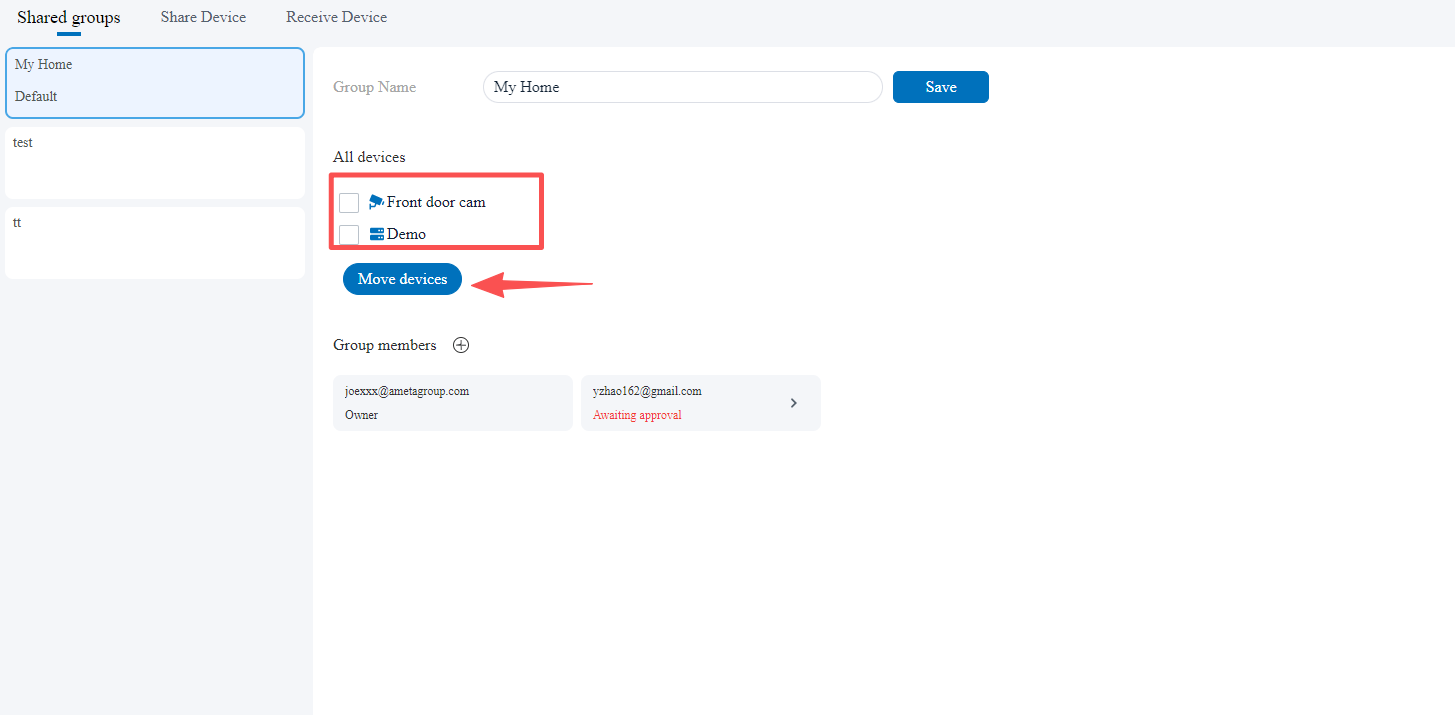
* select the devices to move to different group
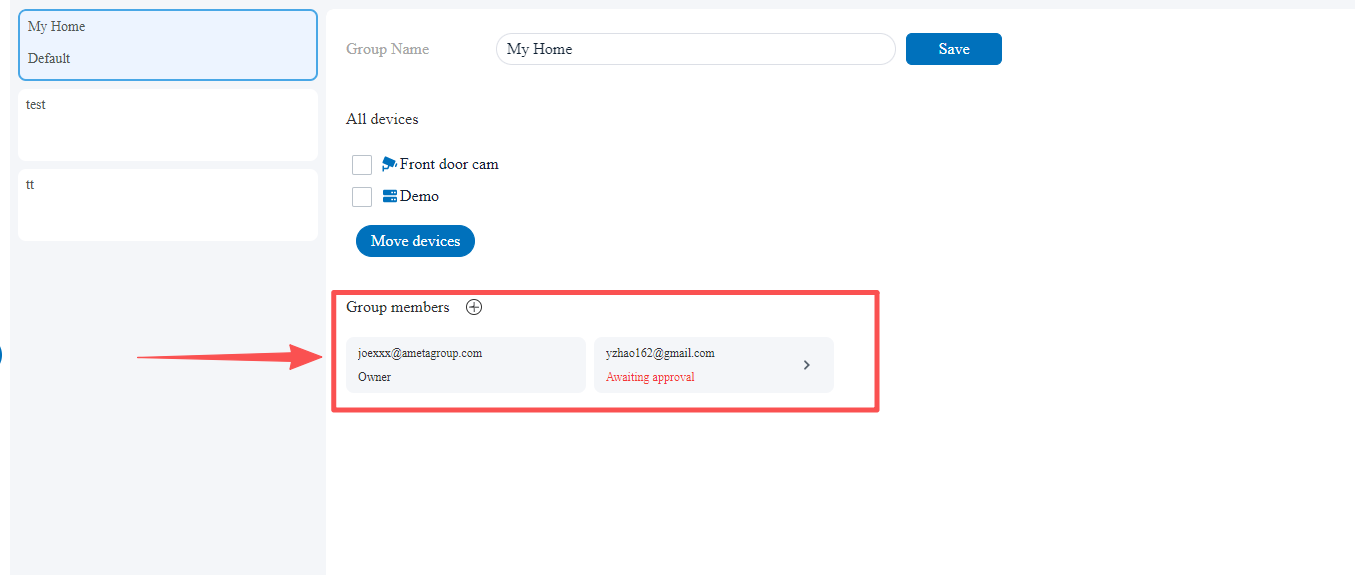
* add the group member you want to share with.
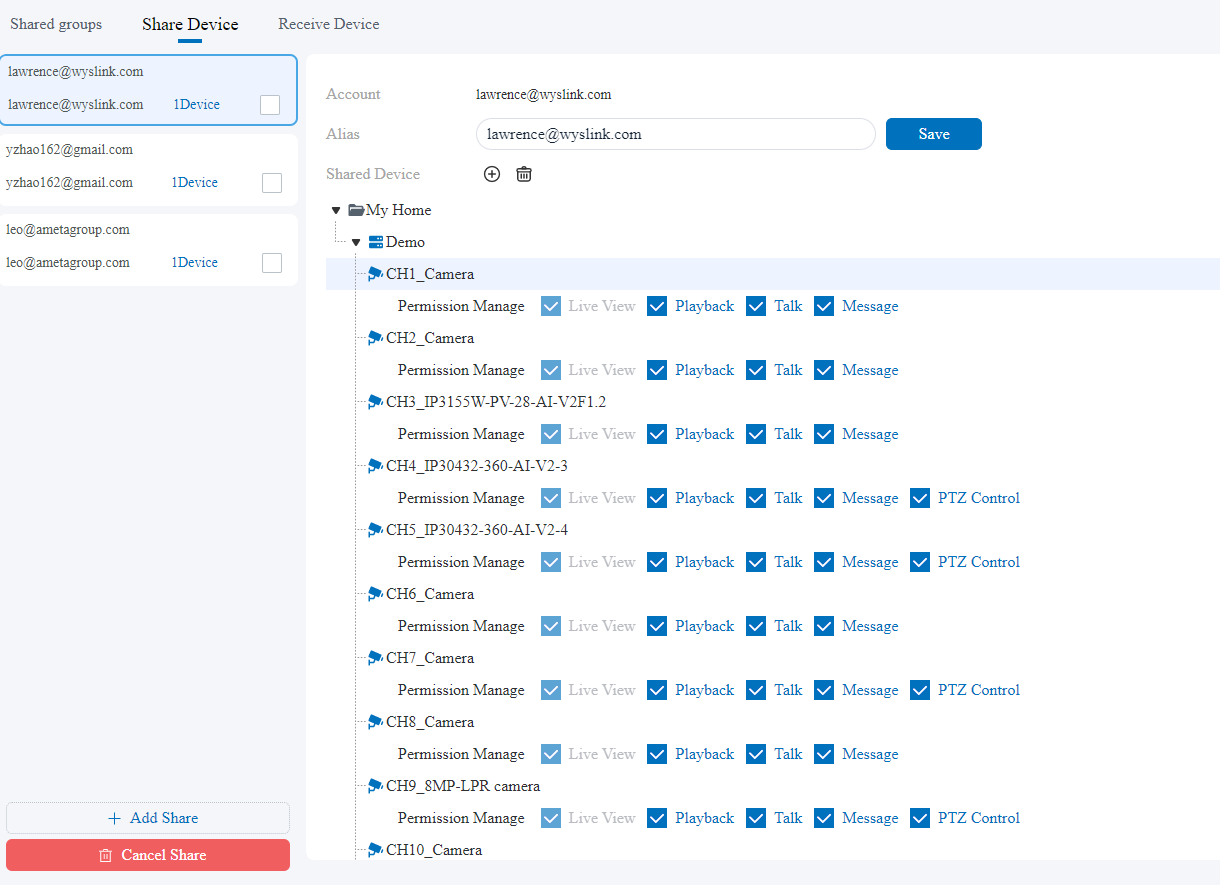
- shared devices:
change and manage all the devices you shared
- receive devices
manage the devices you received from other account